


Kingston IronKey Vault Privacy 80 - 960GB - Extern SSD - USB 3.2 Gen 1
Free returns on all eligible orders
You have 30 days to request a return. All sale items are final sale.
SSD (Solid State Drive), 960 GB, extern, datenübertragungsrate: 250 MB/s (lesen) / 250 MB/s (schreiben), USB 3.2 Gen 1 verbindung, Hardware-Verschlüsselung: 256 bit, farbe: blau • Unique Intuitive Touch Screen
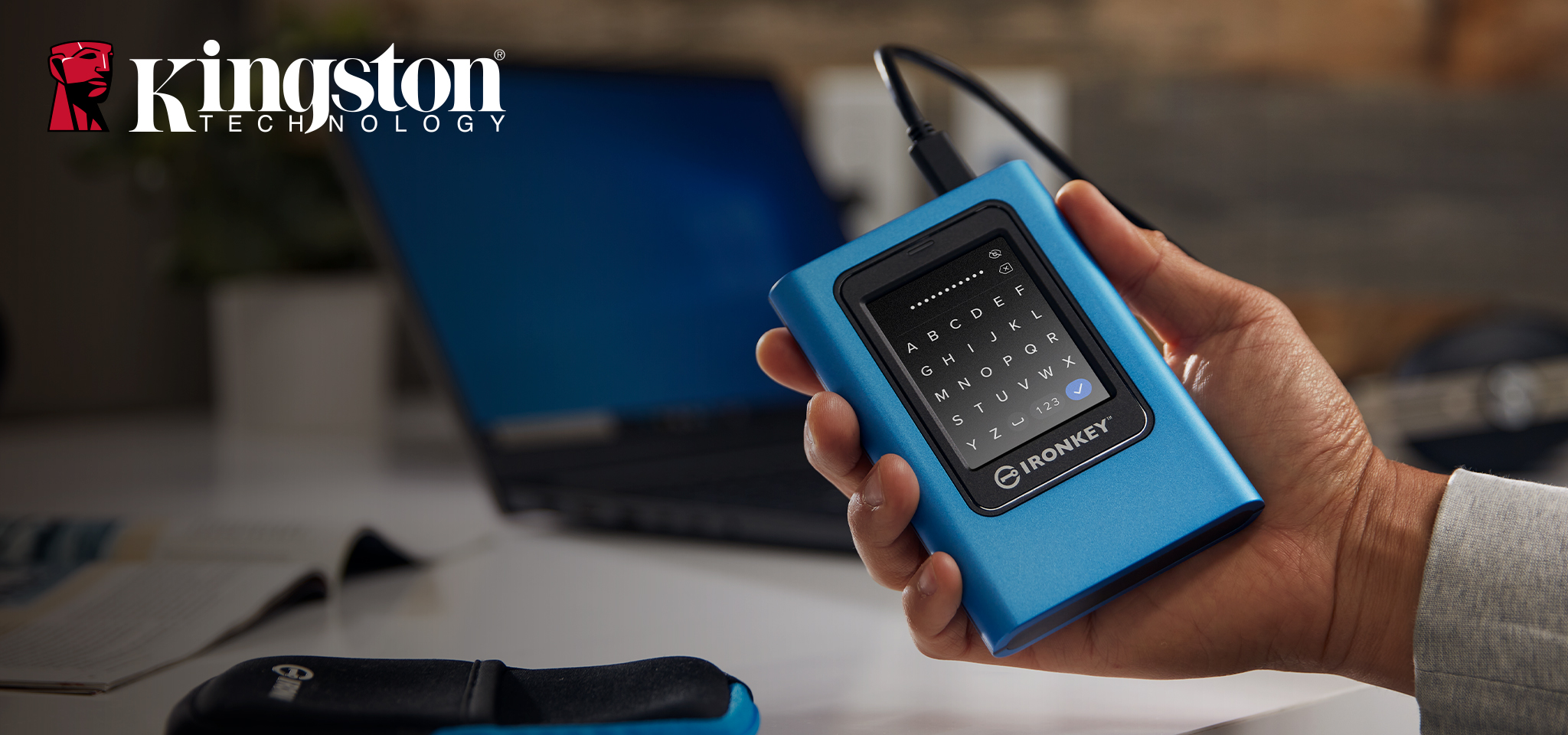
Hardware-encrypted for Data Protection
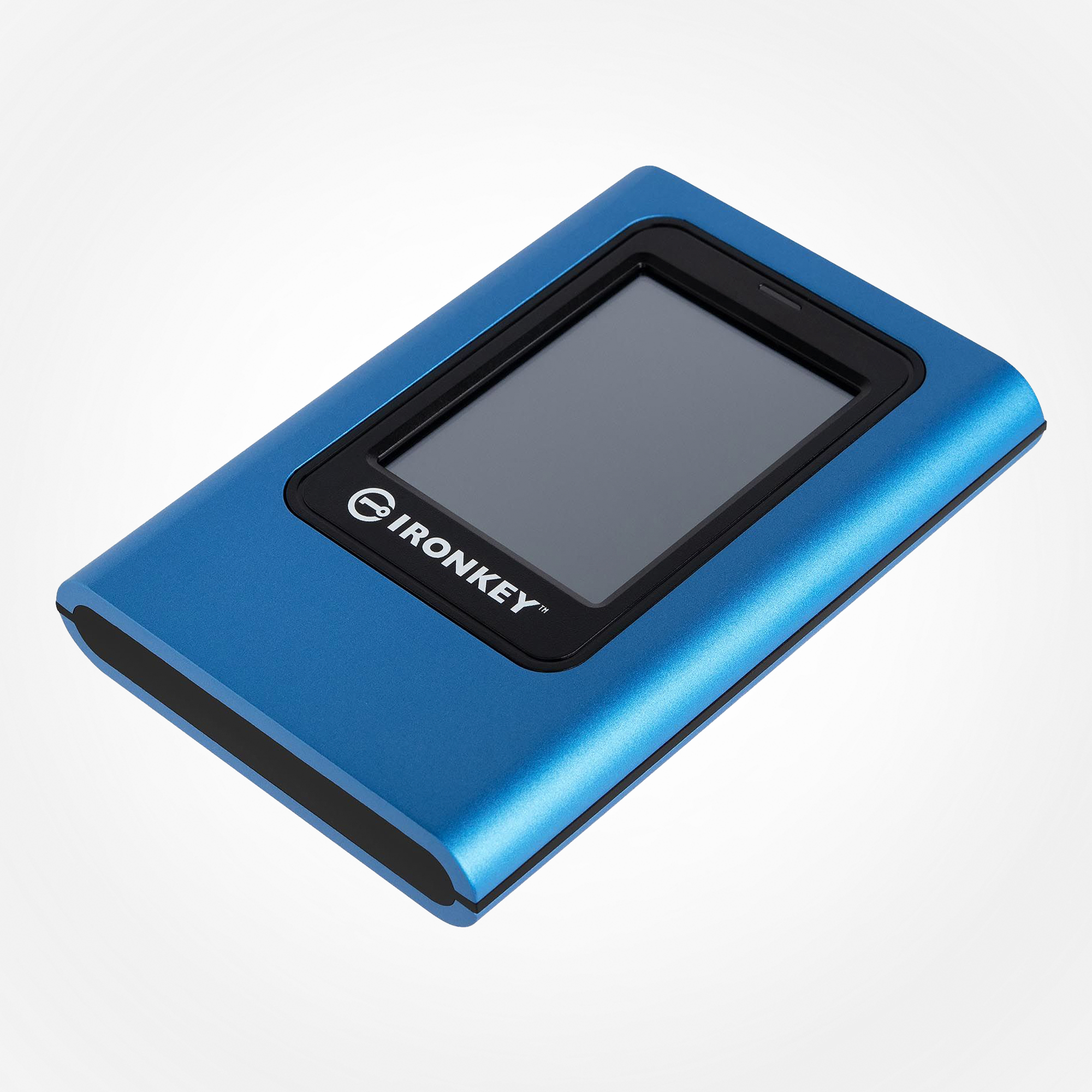 View larger |
Kingston IronKey Vault Privacy 80 External SSDFIPS 197 Certified & XTS-AES 256-bit EncryptedKingston IronKey Vault Privacy 80 External SSD is Kingston’s first innovative OS-independent hardware-encrypted external SSD with touch-screen for data protection. VP80ES safeguards against Brute Force attacks and BadUSB with digitally-signed firmware. Brute Force attack protection crypto-erases the drive if the Admin and User passwords are entered incorrectly 15 times1 in a row by default. The drive is FIPS 197 certified with XTS-AES 256-bit encryption using a Common Criteria EAL5+ (CC EAL5+) certified secure microprocessor, and is TAA compliant. As innate as unlocking a smartphone and simple drag & drop file transfers, VP80ES is designed to protect data while being user-friendly. Featuring an intuitive colour touch-screen and multi-password (Admin and User) option with numeric PIN or passphrase modes, Vault Privacy 80ES is superior to using the internet and Cloud services to safeguard data. Whether it’s important company information, client documents, or high-res images and videos, the drive is ideal for small-to-medium businesses (SMB) to content creators. It comes bundled with two USB 3.2 Gen 1 adaptor cables, USB Type-C®2 to Type-A and Type-C to Type-C, to allow for easy connection to computers and other devices. VP80ES makes for the perfect companion when you need secured data and content out in the field or on-the-go to enable portable productivity and convenience all in the palm of your hand. Admin can enable a User password and set up security options, such as configuring password requirements by setting the maximum number of shared attempts, minimum password length of 6-64 characters, and alphanumeric password rules. Additionally, you can utilise the ‘space’ character making it easier to remember a passphrase as a list of words, a memorable quote, or lyrics from a favourite song. Otherwise, use the PIN pad to unlock just as you would on a mobile device and to reduce failed login attempts and frustration by tapping the “eye” button to view the password as entered. As an added feature, when a User password is forgotten, the Admin password can be used to access data and restore User access.
|
|

Safeguard with FIPS 197 certified XTS-AES 256-bit encryption
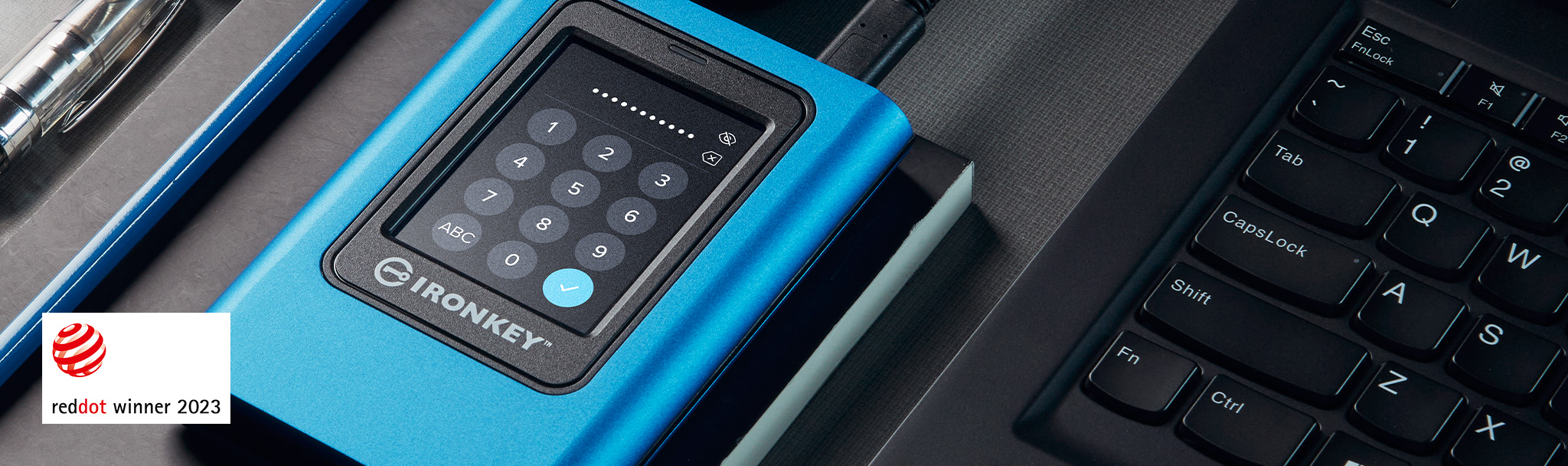
Unique Intuitive Touch-screen
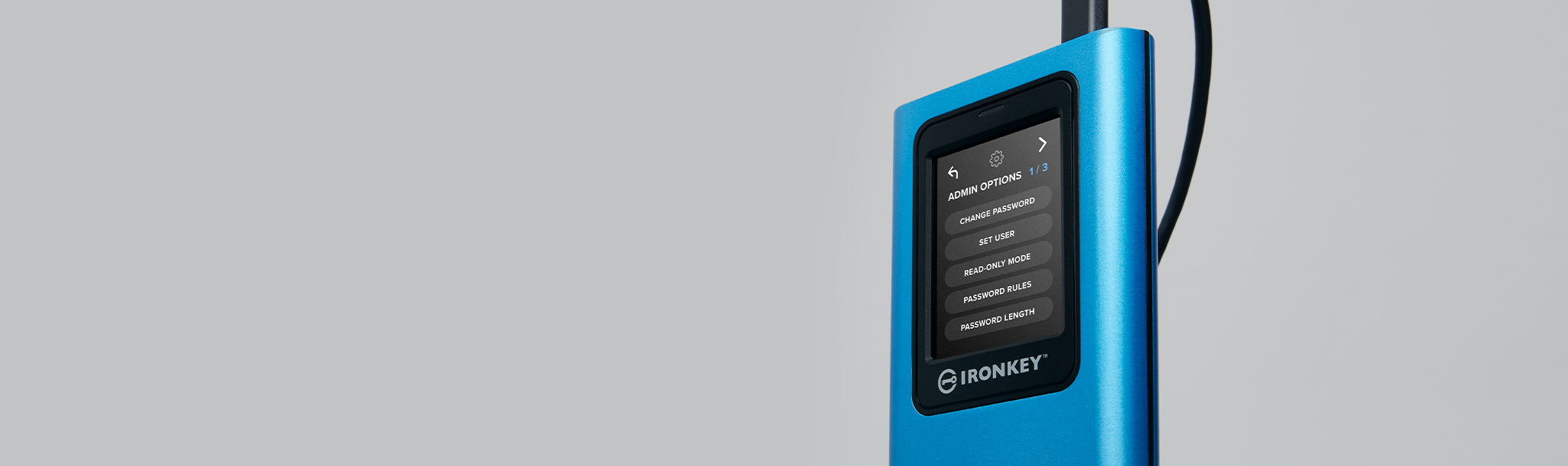
Multi-Password (Admin/User) Option with PIN/Passphrase modes
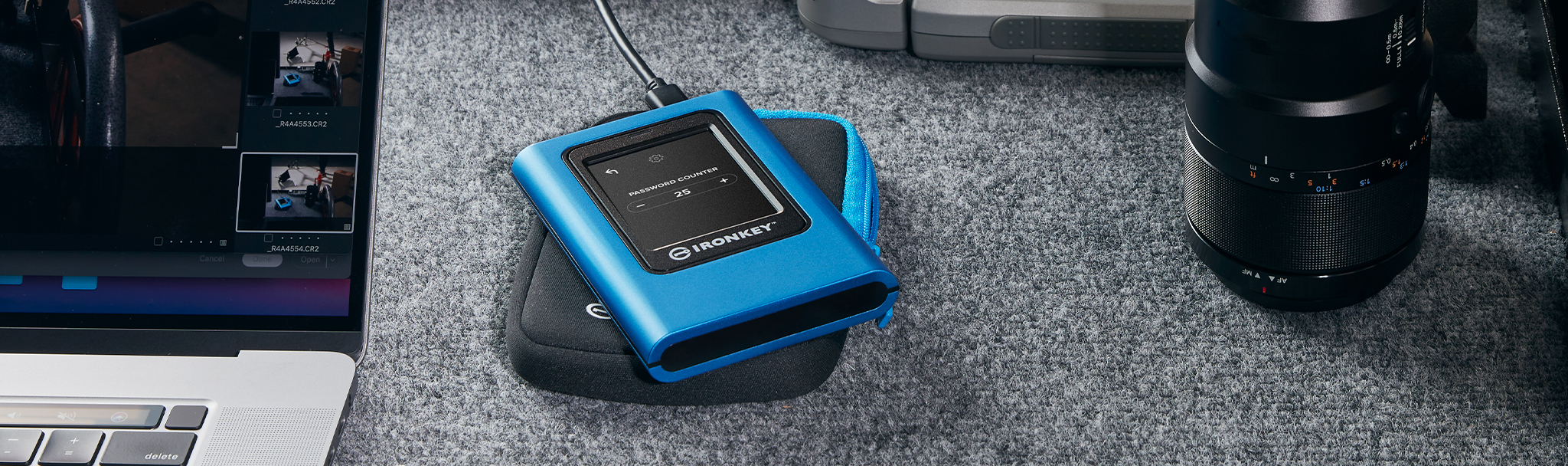
Configurable Password Rules
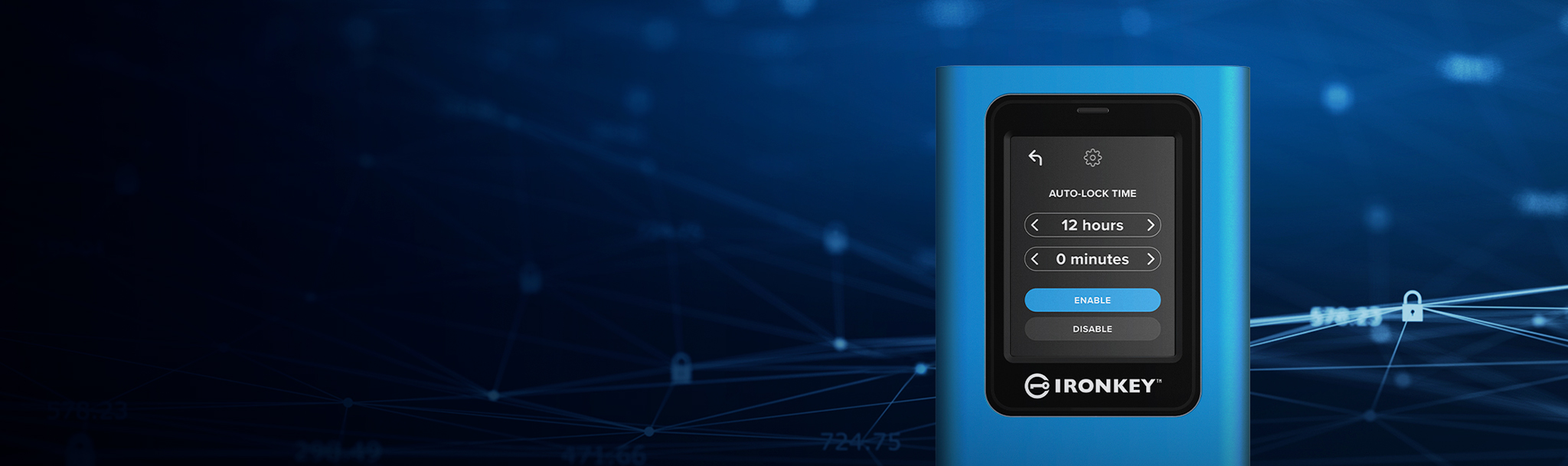
Extended Security Options
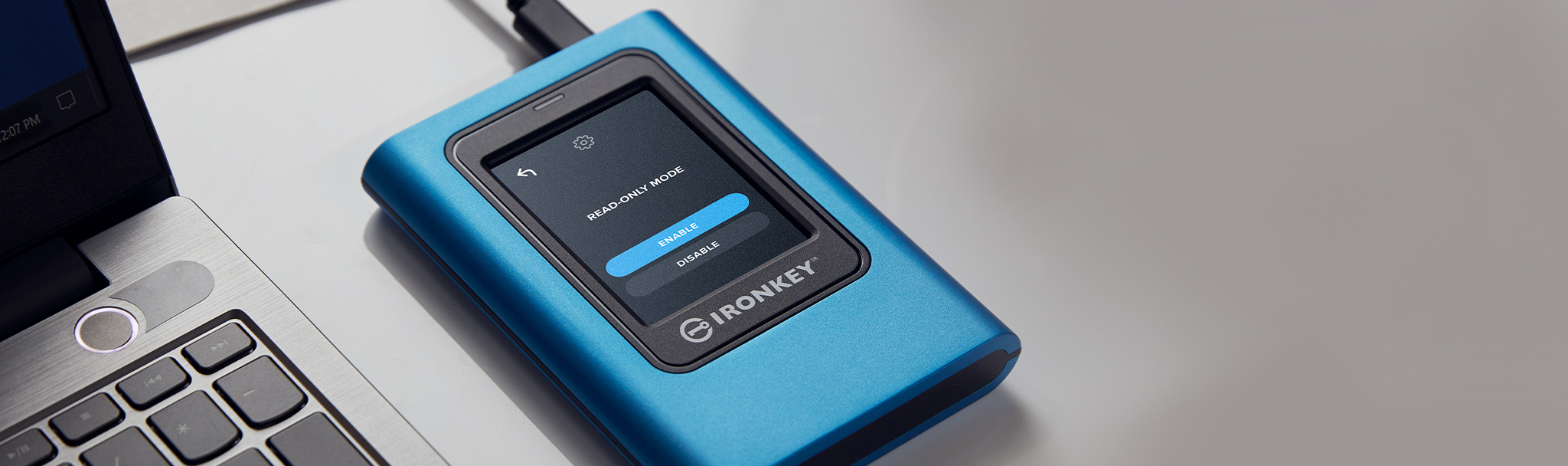
Dual Read-Only (Write-Protect) Mode Settings
- Brute Force attack protection crypto-erase adjustable from 10-30 password attempts.
- USB Type-C® and USB-C® are registered trademarks of USB Implementers Forum.
- Hardware Certified with built-in protection mechanisms designed to defend against external tampering and physical attacks.
Generell
| Hersteller | Kingston |
| Waren-Nr. | 3082932 |
| Modell | IKVP80ES/960G |
| EAN | 0740617328431 |
| Zum Hersteller | www.kingston.com/en/ssd/ironkey-vp80es-e... |
| Kontaktieren Sie den Hersteller | www.kingston.com/en/support/global-conta... |
| Produktbeschreibung | Kingston IronKey Vault Privacy 80 - SSD - 960 GB - USB 3.2 Gen 1 - TAA-konform |
| Typ | Solid State Drive - extern (tragbar) |
| Kapazität | 960 GB |
| Hardwareverschlüsselung | Ja |
| Verschlüsselungsalgorithmus | 256-bit AES-XTS, FIPS 197 |
| Schnittstelle | USB 3.2 Gen 1 - USB-C |
| Merkmale | Secure Erase-Funktion, Master and User Dual Passwords, Farb-Touchscreen, Nur-Lesezugriff (Schreibschutz) - Duale Mode, BadUSB-Angriffsschutz, konfigurierbare Passwortregeln, PIN-/Passwortmodi, Brute-Force Password Attack Protection, automatische Sperre |
| Stromversorgung | USB-Bus |
| Abmessungen (Breite x Tiefe x Höhe) | 84.2 mm x 122.5 mm x 18.5 mm |
| Gewicht | 284.9 g |
| TAA-kompatibel | Ja |
Technische Daten
| Allgemein | |
| Gerätetyp | Solid State Drive - extern (tragbar) |
| Kapazität | 960 GB |
| Hardwareverschlüsselung | Ja |
| Verschlüsselungsalgorithmus | 256-bit AES-XTS, FIPS 197 |
| Schnittstelle | USB 3.2 Gen 1 |
| Merkmale | Secure Erase-Funktion, Master and User Dual Passwords, Farb-Touchscreen, Nur-Lesezugriff (Schreibschutz) - Duale Mode, BadUSB-Angriffsschutz, konfigurierbare Passwortregeln, PIN-/Passwortmodi, Brute-Force Password Attack Protection, automatische Sperre |
| Breite | 84.2 mm |
| Tiefe | 122.5 mm |
| Höhe | 18.5 mm |
| Gewicht | 284.9 g |
| Erweiterung und Konnektivität | |
| Schnittstellen | 1 x USB 3.2 Gen 1 |
| Stromversorgung | |
| Stromversorgung | USB-Bus |
| Software & Systemanforderungen | |
| Erforderliches Betriebssystem | Microsoft Windows, Apple MacOS, Linux, Google Chrome OS |
| Verschiedenes | |
| Zubehör im Lieferumfang | Tragetasche |
| Enthaltene Kabel | 1 x USB-C Kabel - extern 1 x USB-C auf USB 3.0 Kabel - extern |
| Kennzeichnung | Common Criteria EAL5+, ISO 9001 |
| TAA-kompatibel | Ja |
| Abmessungen & Gewicht (Transport) | |
| Transportbreite | 17.02 cm |
| Transporttiefe | 14.22 cm |
| Transporthöhe | 5.84 cm |
| Transportgewicht | 449.7 g |
| Umgebungsbedingungen | |
| Min Betriebstemperatur | 0 °C |
| Max. Betriebstemperatur | 45 °C |
| Min. Lagertemperatur | 20 °C |
| Max. Lagertemperatur | 60 °C |
Die genannten Informationen und Spezifikationen können vom Hersteller jederzeit und ohne vorherige Ankündigung geändert werden. Die Herstellerabbildungen dienen ausschließlich der Veranschaulichung. Irrtümer und Schreibfehler bleiben vorbehalten. Deutsche Bedienungsanleitungen sind in einigen Fällen ausschließlich digital verfügbar und nicht Bestandteil des Lieferumfangs. Teile des Textes wurden möglicherweise automatisiert erstellt oder maschinell übersetzt und können daher in Einzelfällen missverständlich sein.
Shipping information
Technology Germany delivers across Germany and selected European countries with reliable and secure shipping services.
Estimated delivery time is usually 3–7 business days within Germany and 5–14 business days within Europe.
Shipping costs are automatically calculated during checkout based on destination and package size.
Customers benefit from secure packaging, professional logistics handling, and a 30-day return policy for eligible products.
For support or shipping questions, please contact contact@technologygermany.de.
Returns & warranty
Returns
Eligible products can be returned within 30 days after delivery.
Returned items must be unused, undamaged, and include original packaging.
Refunds are processed after inspection and approval of the returned goods.
Warranty
Technology Germany provides warranty support for eligible products according to manufacturer conditions.
Customers can contact our support team for technical assistance and warranty inquiries.
Warranty coverage may vary depending on the product and manufacturer.


